What to Do When the Customer Isn't Home: A Field Protocol
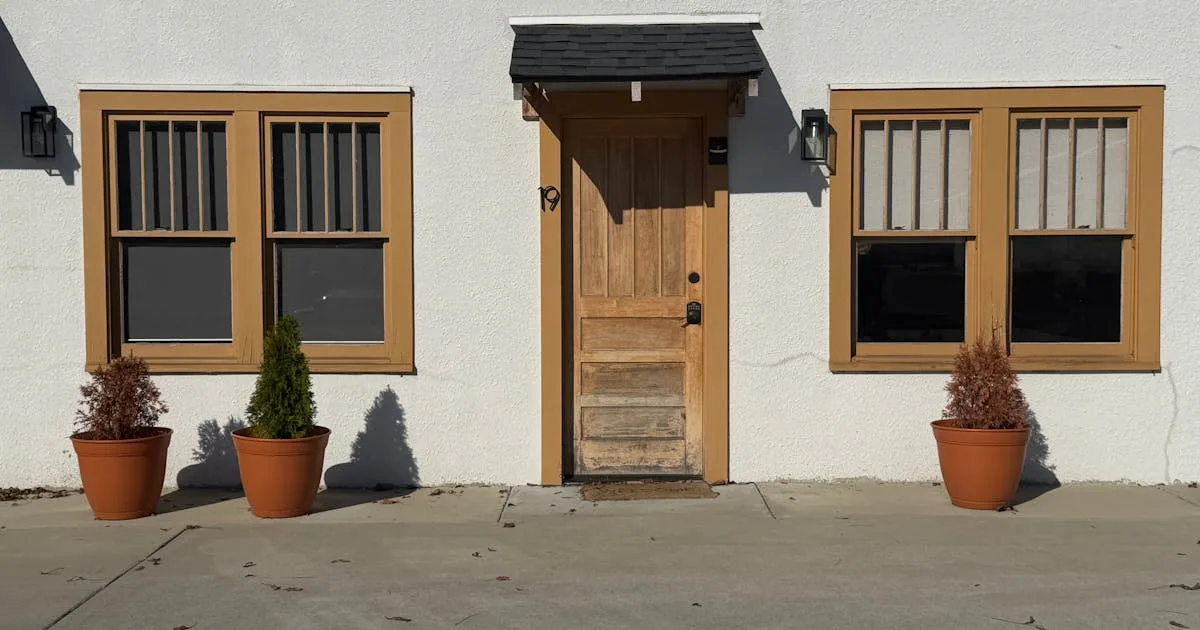
You drove 25 minutes. You're standing in the driveway. The garage is closed, the curtains haven't moved, and the customer isn't answering the phone.
Now what?
Most solo mobile operators I've asked about this don't have a real protocol. They wait 10 minutes, get frustrated, drive away, and either eat the cost or have an awkward fight about it later. There's a better way - and it starts before you ever leave for the job.
Why is this more expensive than it looks?
A "customer not home" visit costs you in three places:
- Drive time both ways (often 30-60 minutes round trip)
- The slot in your day that's now empty (you can't backfill it on 20 minutes notice)
- The relationship - because the customer almost always blames you a little, even when they were the no-show
Three to five of these per month and you're losing a full day's revenue. Most mobile operators don't track this number and would be shocked if they did.
Prevention - the part that matters most
The best protocol for "customer not home" is preventing it from happening in the first place. Two habits do most of the work here:
1. Confirm the day before
Send a text the evening before every mobile job - "Hey [name], confirming I'm coming tomorrow at [time] for [job]. Reply Y if that still works." You're not asking permission. You're giving them a clean way to flag if something changed.
Customers who get a confirm-the-day-before text no-show roughly half as often (rough number from operators I've asked - it varies by trade and customer base). The text is the entire intervention.
2. ETA text the morning of
Before you leave for the first job of the day, send each customer their ETA window. "On track for between 10:00 and 10:30 - I'll text again when I'm 15 minutes out."
This does two things. It catches the customer who forgot you were coming (so they have time to be home, or to push). And it sets the contract - if you say 10:00-10:30 and you arrive at 10:15, that's on time, not late.
If you can't face writing these texts manually, a job-tracking tool can fire them automatically every time you change a job's status. Set the stage to "On the way" and the text goes out without you typing anything.
The protocol when it happens anyway
Even with prevention, you'll still arrive to no one home occasionally. When you do, run this five-step protocol:
Step 1 - Photograph your arrival
Take a timestamped photo of the driveway/door from your truck. This is your proof you showed up. (Most phones embed time and location in photo metadata - check yours, and if not, screenshot the time.)
Step 2 - Wait 10 minutes, no more
Knock once, ring the bell, send a text and a missed call. Then sit in the truck and wait 10 minutes. Not 20. Not 30. Ten.
If the customer shows up in those 10, great - the visit happens, you don't mention the wait. If they don't, you move on.
Step 3 - Send the "I was here" message
Standard template that you should have ready to copy/paste:
Hey [name] - I came by at [time] for [job] and didn't see anyone. Knocked, rang the bell, sent a text. I waited 10 minutes and then had to head to my next appointment. Per my policy a missed appointment is $X to reschedule (covers the drive + the slot). Let me know if you'd like to rebook.
Three things this message does that a phone call doesn't - it timestamps your arrival in writing, it states the policy without arguing, and it gives the customer an opening to rebook without having to confront the awkwardness in voice.
Step 4 - Document the no-show in your job system
Mark the job as "no-show" (not just "cancelled" - those are different). Attach the arrival photo. If you ever need to push back on a chargeback or a bad review, you'll have the receipts.
Step 5 - Move on
Drive to the next job. Don't spend the rest of the day stewing. Some no-shows you'll recover, some you won't. The protocol is what protects your time and your sanity.
Should you charge a no-show fee?
Solo operators ask me whether they should charge a no-show fee. The honest answer - yes, but only if you've told the customer in advance.
Stick a one-line policy on your booking confirmation and your invoices - "Missed appointments without 24h notice are subject to a $50 rebooking fee." (Adjust the number to your trade and your area. $50 is reasonable for most residential service in Ontario.)
Then actually charge it when it happens. Customers who've been told the policy will pay it 80% of the time. The 20% who push back tell you something useful about the kind of customer they are.
What about jobs where the customer doesn't need to be home?
Some work doesn't require the customer present (driveway detail, exterior wash, garage door servicing if pre-arranged). For these, the protocol is different but the documentation matters more, not less.
- Photo of the property when you arrive
- Photo of the work in progress
- Photo of the property when you leave
- Text the customer when you finish - "all done, here are the photos, anything you want me to fix come back tomorrow no charge"
The text + photo combo (see the photo documentation playbook) replaces the in-person handoff. Done well, the customer is more confident in your work than if they'd watched you do it.
The reschedule conversation that actually rebooks the job
Most operators handle the reschedule call badly. They lead with the fee, the customer gets defensive, and the rebooking turns into an argument. The conversation that actually works flips the order:
- Open with the rebooking, not the fee. "Hey [name], no worries about today - just trying to get you back on the calendar. I've got Tuesday at 10 or Thursday at 2 - which works?"
- If they pick a slot, take it. Don't bring up the fee at this point. You've got the rebook, that's the win.
- Mention the fee on the booking confirmation, not on the call. "Confirmed for Thursday at 2. Heads up - per policy missed appointments are subject to a $50 rebooking fee, which I'll add to Thursday's invoice. Reply Y to confirm."
- If they push back on the fee at that point, you've got options. Sometimes you waive it (long-time customer, genuine emergency). Sometimes you hold the line (clear pattern, second offence). Either way, you've got the rebook locked in - the fee conversation isn't blocking the work.
This sequence rebooks roughly 70-80% of no-shows (anecdotal across the operators I've asked). The lead-with-fee approach rebooks closer to 30%. Same fee, same outcome on collection - very different rebook rate.
Spotting and handling repeat no-show customers
Most no-shows are one-offs. Life happened, the customer forgot, you both move on. But some customers are serial no-shows - and if you don't flag them in your system, you'll keep losing slots to the same people.
The pattern to watch for:
- Two no-shows in 12 months from the same customer
- Pattern of confirming the day before then ghosting day-of
- Pushes back hard on the rebooking fee every time
- Rebooks then no-shows the rebooked appointment
For these customers, change the rules - prepayment required for the next booking (even just a $25 hold), or move them to "text-only confirmation, I'll call to book if you reply." You're not punishing them. You're protecting your day from a known risk.
Most job tracking tools let you flag a customer (or add a note) so the next time they book, you remember. If yours doesn't, a sticky note on the dashboard works - the goal is just to not be surprised twice.
When you're the one running late - flip the protocol
Most of this post is about customer no-shows. But the same logic runs in reverse when you're the one who's late, and getting it right matters just as much.
The non-negotiable rule - text the customer the moment you know you'll be late, not when you're already late. If you're finishing a job at 11:15 and your next appointment is 11:30 across town, you already know. Text right then - "Hey [name], running about 20 minutes behind, on track for arrival around 11:50. Sorry about that, will text again when I'm close."
Customers who get a heads-up before you're late are fine with it. Customers who notice you're late before you tell them are not. Same delay, very different reaction.
If you do this consistently, "running late" stops being a relationship-damaging event. It becomes a normal Tuesday.
Final thought
The customer-not-home problem is solvable. About 70% of it disappears with a confirm-the-day-before text and a morning-of ETA. The remaining 30% gets handled cleanly with a five-step protocol that protects your time and gives you a paper trail when you need one.
If you want the texts to go out automatically without you typing them, that's exactly what FixyFlow does - update a job's status, the customer gets the text. Try it free for 14 days.
And if you're working through a broader rebuild of how you run a one-person mobile operation, start with the solo operator's playbook - the five-stage day, the two metrics, and the tools that actually make sense at your scale.
— Lasse
Built FixyFlow in Collingwood