Landscape Scheduling Software for Solo Operators (2026)
Every "best landscape scheduling software" article in 2026 lists the same 10 tools. Aspire, Service Autopilot, LMN, SingleOps, Jobber, HCP, Yardbook, Agiled, SchedulingKit, WorkWave. Each one looks impressive on a feature comparison page. None of those comparisons answer the question that actually matters: which one is right for you, given how many stops a day you run.
I have watched enough solo and 1-3 crew landscapers in Collingwood and Georgian Bay quietly cancel their software subscription before the end of their first season. It is almost always because they paid for a routing engine they did not need yet, and forgot to set up the customer-comms layer they did need.
This article is the version of the comparison that says the boring true thing: at your scale, scheduling software is mostly a glorified calendar with reminders. Pick for what you actually do today, not what your business looks like at 5 crews.
When do I actually need landscape scheduling software?
Three rough stages of growth, and each one needs a different scheduling setup:
Stage 1: 0-15 customers. Mostly recurring weekly or bi-weekly mowing. A whiteboard works. So does Google Calendar. Spending money on landscape software here is mostly cosplay.
Stage 2: 15-40 recurring customers + occasional one-off jobs. Now you cannot remember every customer's preferred day. Customers start asking "did you forget me this week?" because they did not know you swapped Wednesday for Thursday due to rain. Schedule needs to live somewhere durable, and customers need automated visibility. This is where comm tools start mattering more than routing tools.
Stage 3: 40+ customers, 2-3 person crew, multi-day jobs. Now route order across a day matters because you are losing 90 minutes/day in inefficient driving. Routing engines start paying for themselves. Real per-job profitability tracking starts mattering.
Most solo landscapers in Canada stay in Stage 2 for several seasons before they reach the last stage. So buying a routing-heavy tool in Stage 2 is the most common money mistake in this space. It is the same pattern as solo cleaners buying enterprise CRMs too early, which we cover in how to start a cleaning business in Ontario.
Do I need routing software for my landscaping business?
Most solo landscapers do not. Routing optimization starts paying for itself at roughly 20+ stops per day inside a dense service area. Below that threshold, manual clustering of same-zipcode customers on the same day beats every paid routing engine, and the paid tools that lead with routing (Service Autopilot Startup is $49/mo plus a sign-up fee, billed annually) are usually overkill for a 1-3 person crew.
Every comparison article will tell you that Aspire, Service Autopilot, and WorkWave have "industry-leading routing." That is true. Their routing engines reorder stops to cut drive time in high-density markets.
Here is the threshold that nobody publishes: you need real routing optimization when you are running 20+ stops/day in a dense service area. Below that, manual route planning (a notebook, or your phone Maps app) beats any algorithm.
The 12-stop solo operator who drove around Barrie or Kingston for a year did not save money by switching to Aspire. They saved money by clustering same-zipcode customers on the same day. Pen and paper does that.
A simpler heuristic for Canadian solo landscapers: if you are not yet running 8 stops/day, routing software is overkill. If you are at 20+ stops/day and your service area is dense, it starts paying for itself.
What does scheduling software actually do for a solo landscaper?
For a solo or 1-3 crew operator, scheduling software has 4 jobs in order of how often they break:
- Knowing what is on your plate today. Calendar with the day's stops. Color-coded if you can. The list is mostly recurring customers so most days look like last week's day.
- Confirming visits with customers. "We will be there Wednesday between 10 and 12" sent the day before. This is the one most operators do by hand and forget on busy weeks, which is why no-shows happen. See our SMS templates for service business reminders for the exact wording that gets replies.
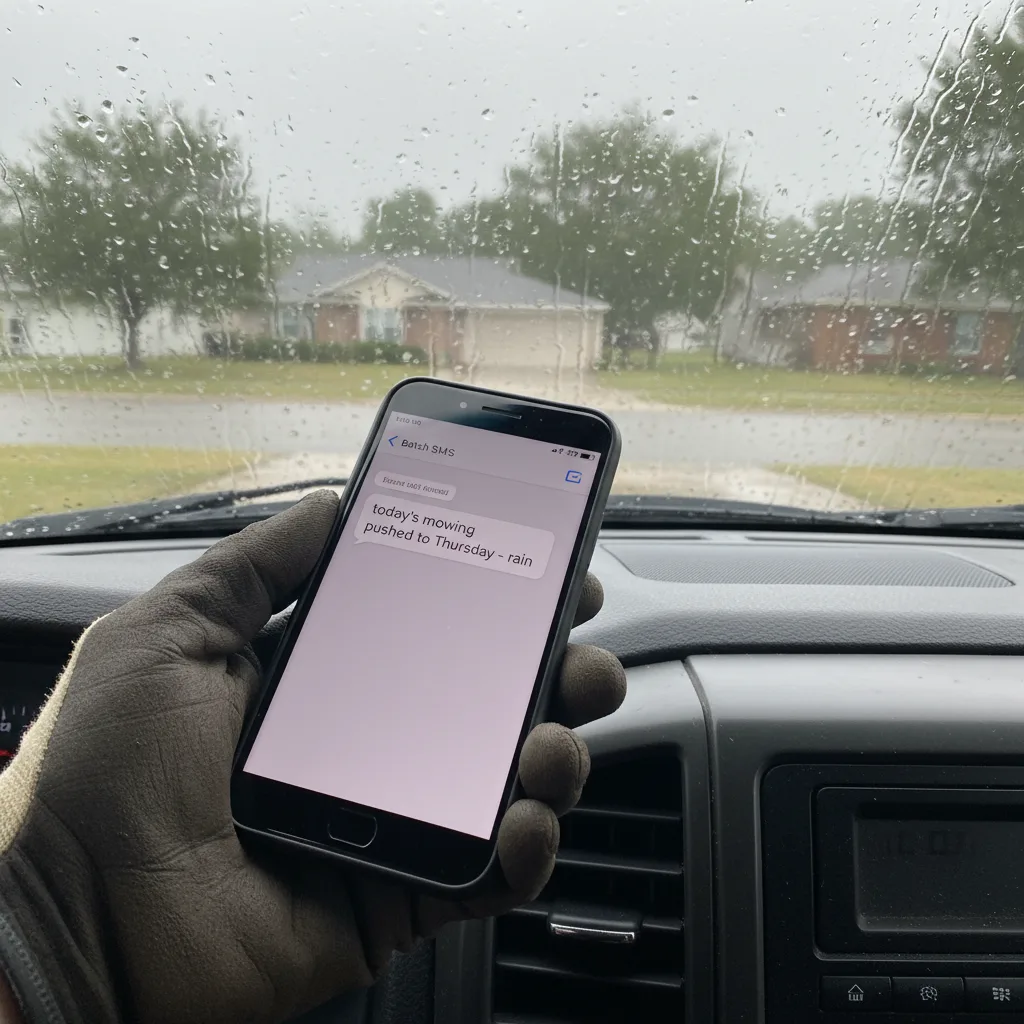
- Rescheduling when weather forces it. Ontario landscape season has 5-8 rain days per month. Your "Wednesday at 10" turned into "Thursday at 9" and your customer needs to know without you texting them individually.
- Tracking what you actually did. Did you mow + edge + blow? Or just mow? At invoice time, you need to know.
Almost every customer-facing scheduling problem in landscaping is actually a communication problem. The schedule is in your head. The customer's not knowing what is happening is what breaks the experience.
This is why most of the well-reviewed landscape tools (Jobber, HousecallPro, Yardbook) put customer SMS and email confirmations front and center, while the routing-first tools (Service Autopilot, WorkWave) bury them in advanced settings. We covered this trade-off in more depth in our customer communication tool comparison for service business owners.
What is the cheapest landscape scheduling software in Canada?
Yardbook is free with unlimited customers and works in Canada: basic scheduling, invoicing, customer database, even rudimentary route optimization, all free on its basic plan. Agiled has a free single-user plan with email reminders. SchedulingKit is free-forever for online booking. All three break down at the same place: no built-in SMS, so plan for a separate communications layer once you cross 15 recurring customers.
| Tool | Free tier? | What it actually gives you free | Where it stops |
|---|---|---|---|
| Yardbook | Yes, unlimited | Basic scheduling, invoicing, customer database, route optimization | No mobile app, ads in the interface, dated UI |
| Agiled | Free for 1 user | CRM, scheduling, invoicing, contracts, basic email reminders | No SMS, no route optimization, ads on invoices |
| SchedulingKit | Yes, "free forever" | Online booking, calendar, automated email reminders | No SMS reminders, no recurring-job rules |
| Jobber | No, plans start at $29/mo billed annually | n/a | n/a |
| Service Autopilot Startup | No, $49/mo plus a sign-up fee, billed annually | n/a | n/a |
| HousecallPro | No, Basic plan from $59/mo | n/a | n/a |
If you are in Stage 1 (under 15 customers), Yardbook actually works. It is not pretty, but free with unlimited customers is hard to beat. The trade-off is that customers see ads on invoices and the lack of SMS means you are texting them from your personal phone.
The moment you cross into Stage 2 (15+ customers + weather rescheduling pressure), the free options break in the same place: no SMS confirmation, no SMS rescheduling, no "on my way" automation. That is when the paid options earn their keep (Jobber plans start at $29/mo billed annually, and Housecall Pro starts at $59/mo), and not before.
What does a real solo-operator scheduling stack look like?
Here is what an actual Stage 2 Ontario landscaper needs, in priority:
- A central schedule that you can look at on your phone in 5 seconds. Could be Google Calendar with color-coded events. Could be a paid tool. The point is it exists outside your head.
- Automated day-before confirmations sent by SMS. This is the step that cuts no-shows (I have not measured the size of the drop for landscapers directly). Most customers reply with a thumbs-up or a reschedule request, which means you actually know who is home.
- An "on my way" SMS when you load the truck and start your route. Customers stop sending the "are you coming today?" text. They open their garage on time.
- A simple way to send a rescheduling SMS to a whole day's customers at once when the rain forecast hits at 6am. Without this, you are sending 12 individual texts from your truck. With it, it is one button.
- Per-job notes that show up when you arrive. "Customer prefers I do the side gate first" or "Spare key is under the second rock from the left." Photos of the property, last visit's work.
Routing comes much later. So does profit-per-stop dashboards. So does crew time tracking. None of those move the needle in Stage 1 or Stage 2.
This is the gap FixyFlow's landscaping business software was built around - the communication layer that turns whatever scheduling tool you use into a customer experience that does not generate calls. The schedule itself can stay in Google Calendar or Yardbook or wherever you have it. What changes is what happens on the customer's side.
When should I upgrade to a paid all-in-one like Jobber or Service Autopilot?
When the free or low-cost stack starts costing you customer-facing breaks. Specifically: you have 2+ employees needing dispatch, you cross 40 recurring customers, you are doing multi-day install jobs, or you have taken commercial accounts that need monthly statements. Below those thresholds, a free scheduling tool plus a dedicated customer-comms layer is faster, cheaper, and easier to migrate later.
You probably do not need Jobber, HousecallPro, or Service Autopilot until at least one of these is true:
- You are running 2+ employees and need to dispatch + track time
- You have crossed 40 recurring customers and the invoice + estimate workflow is eating 5+ hours/week
- You are doing multi-day install jobs that need materials tracking and progress photos for customer sign-off
- You have started taking commercial accounts that require monthly statements and proof-of-service reports
For everyone else - which is most Ontario landscapers in their first few seasons - a free or low-cost scheduling layer plus a separate customer-comms layer is the better stack. Cheaper, easier to set up, and you do not need to migrate when you eventually outgrow Yardbook. We laid out the same evaluation framework for adjacent trades in our comparison of the best handyman software for solo operators. (One thing commercial accounts will demand before software ever comes up: a certificate of insurance. If you have not sorted that yet, start with our lawn care business insurance cost breakdown - the COI section explains why property managers ask.)
What scheduling software should I start with as a new landscaper?
- Week 1: Open Yardbook free account. Import 5 customers. Do not configure routing.
- Week 1: Buy a domain and set up a Google Business Profile. Customer searches "[your area] lawn care" before they search for software. (If you are launching, also check the 2026 list of Canadian small business grants for service business owners, since a couple cover marketing spend for new service businesses.)
- Week 2: Set up SMS confirmations through a comms tool that integrates with whatever calendar you use. Day-before reminders, day-of "on my way" texts, end-of-visit thank-you with photo of completed work. This is where customer reviews come from.
- Month 3-6 (when you have 15+ customers): Decide whether Yardbook's free tier is breaking down. If yes, evaluate Jobber (plans from $29/mo, billed annually) or Agiled. Skip Service Autopilot until you actually have routing pain.
- Month 12+ (only if you have 2 crews running): Re-evaluate the all-in-one tools. Service Autopilot Startup at $49/mo plus a sign-up fee starts looking right at that stage. Not before.
The boring truth about landscape scheduling software in 2026 is that the right tool depends on your stage of business, and the wrong tool is worse than no tool. Start cheap. Get the customer-comms layer right first. Add routing and profitability tracking later, when you actually feel the pain.
— Lasse
Built FixyFlow in Collingwood